Explore Photoshop Express features that make photo editing fun.
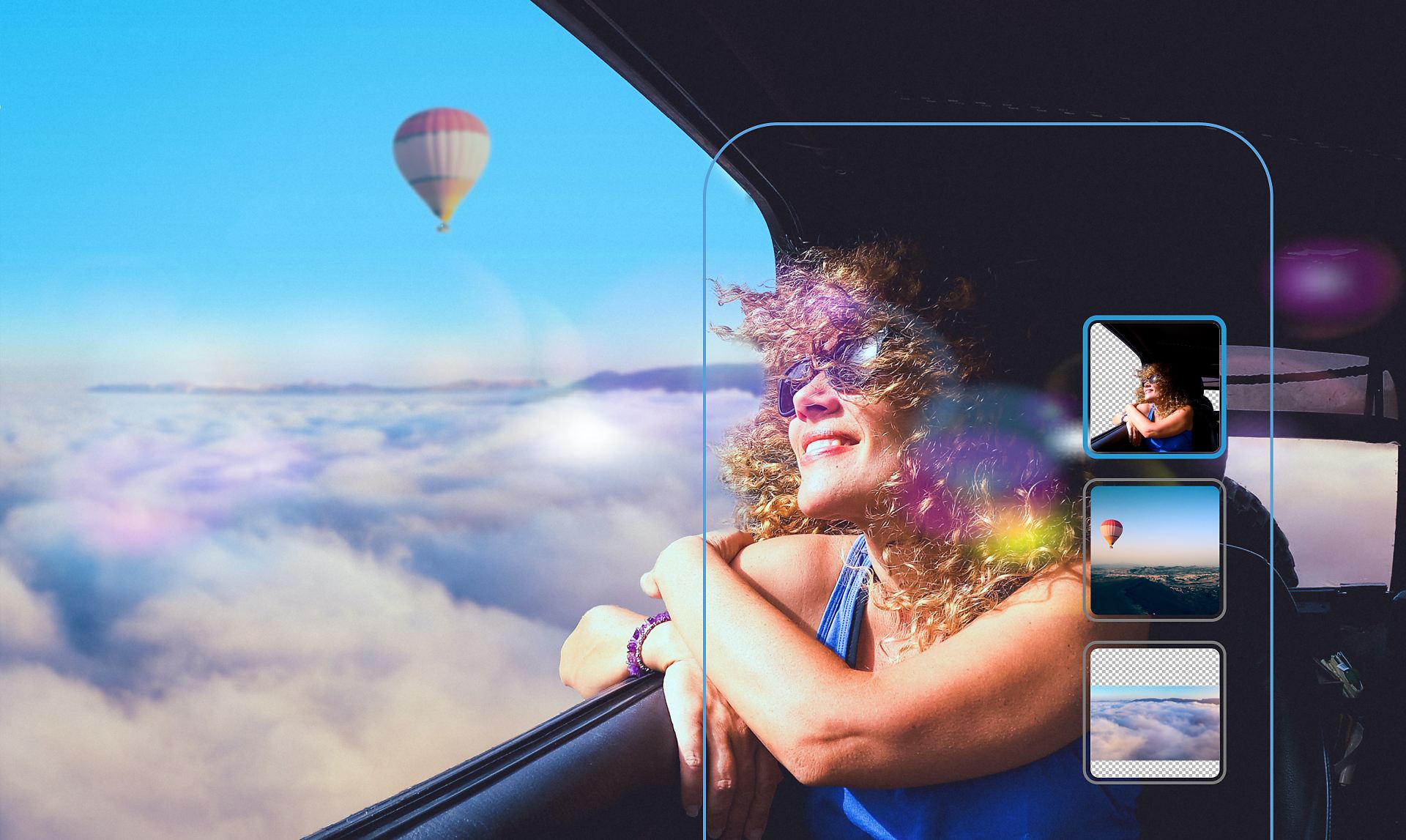

Your one-touch photo editor.
Get Photoshop Express, the mobile app made for all-in-one photo editing and sharing.
Scan the QR code to get the app

Scan me
For iOS and Android
Create and edit images that make an impression.
Photoshop Express gives you everything you need to quickly edit and transform images so they stand out on social and everywhere else. And with the option to add premium features, you can make advanced edits in a snap.
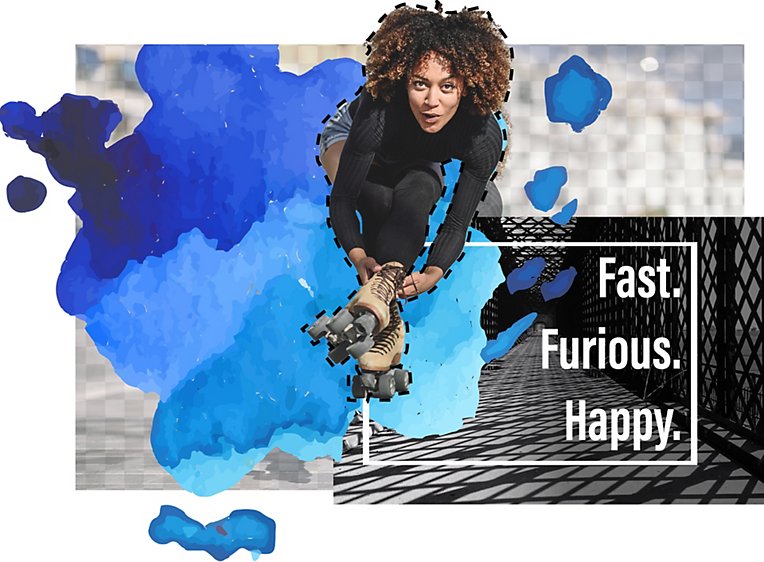
Make color pop with Photoshop.
Polish your shots with intelligent tools that take care of complex tasks like cutouts, dehazing, retouching, and noise reduction. Make selective edits to two things at once to create eye-popping effects. And apply Fused Looks to change just the foreground or background of your image.
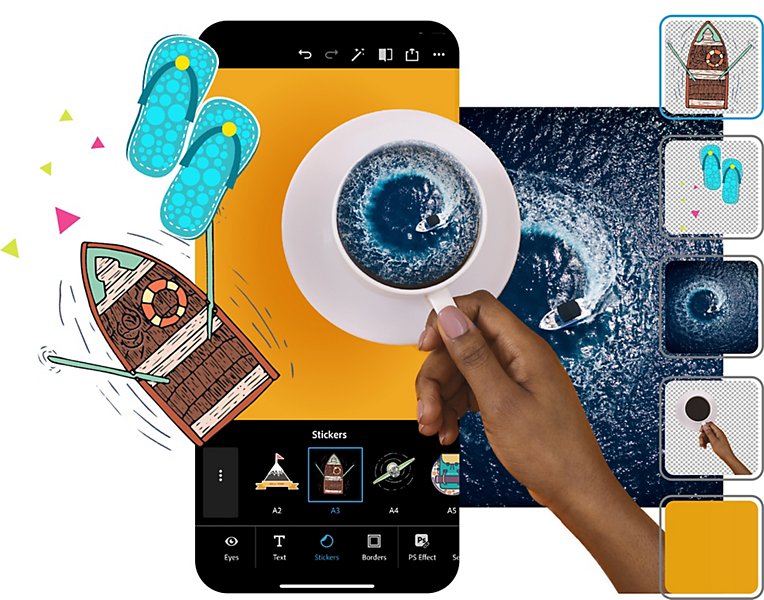
Edit, collage, and add makeup in-app.
Create a scrapbook collage effect in seconds with our free automatic cutouts. Retouch photos with makeup transfer and skin smoothing presets. And make even more advanced healing edits with our premium features.
Discover your community.
Watch playbacks in the Discover feed to see how someone created a look you like, and then apply the same edits to your own photos. Post favorites directly to social media sites or messaging apps to inspire others.
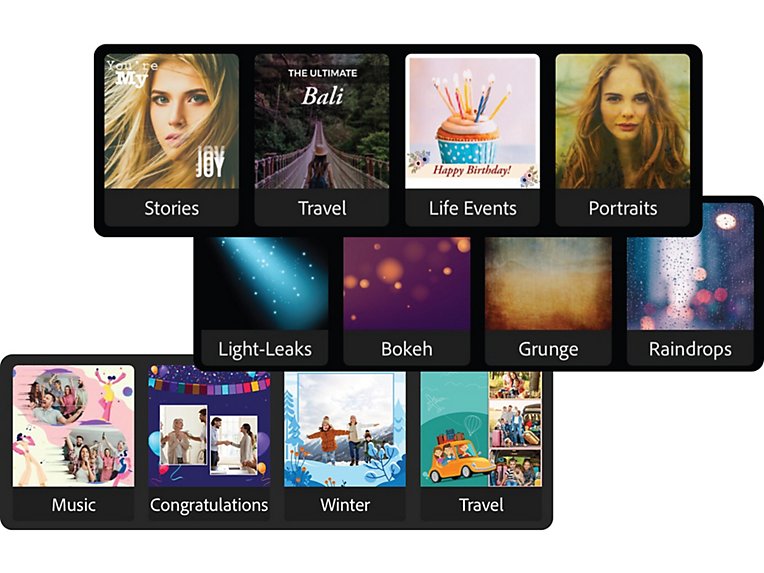
Retouch for instant style.
Choose from hundreds of themes and eye-catching effects that you can apply in an instant to express your creativity or amp up your message. Add more style to your images with borders, layouts, and backgrounds.

Selective edits
Get more creative control with auto-masking.

Replace eyes
Open up closed eyes and remove discoloration.

Smart cuts
Create cutouts or masks for quick edits.

Intelligent themes
Choose from hundreds of styles to express yourself.

Custom sticker maker
Turn any photo into a personal sticker.

Face-aware liquify
Adjust features with subtle tweaks.

Advanced healing
Remove unwanted objects with smart corrections.
Questions? We have answers.
Is Photoshop Express the same as Photoshop?
While part of the Adobe Photoshop family, Photoshop Express is specifically built for mobile device photography. Its accessible interface enables photo collage edits and social network sharing.
Are Photoshop Express and Photoshop compatible?
Yes. You can send PSD files directly from your mobile device to Photoshop to access more advanced editing tools.
Is Photoshop Express a free download?
Yes, Photoshop Express is free to download. Get it on the Apple App Store, Google Play, or the Windows Store.
Can I edit images hosted on Google Photos?
Yes. Photoshop Express integrations allow you to pull your photos, selfies, HDR images, and more directly from Google Photos, Dropbox, and Facebook.
More Adobe Creative Cloud apps for photography.


Lightroom


Make your photos amazing anywhere you are with powerful photo editing software. Learn more

Creativity for all.
Photography, video, graphic design, illustration, and so much more. Everything you need, wherever your imagination takes you.